Open the side panel
On any page, click the GPT-6.1 Workspace icon or press Alt+Shift+G. The first time you use it on a site, Chrome asks to allow access to that site.
Click Summarize page
You'll get a one-sentence overview plus the key points as bullets. Prefer something else? Try Key takeaways, Explain simply or Translate page.
Ask follow-up questions
Keep the page chip on and ask anything about the content: “What does the author recommend?”, “List all prices mentioned”, “Is there a counter-argument?”.
Summarize just a selection
Select a paragraph, right-click and choose a GPT-6.1 Workspace action — explain, summarize, translate or rewrite.
Need fresh facts? Turn on AI Search
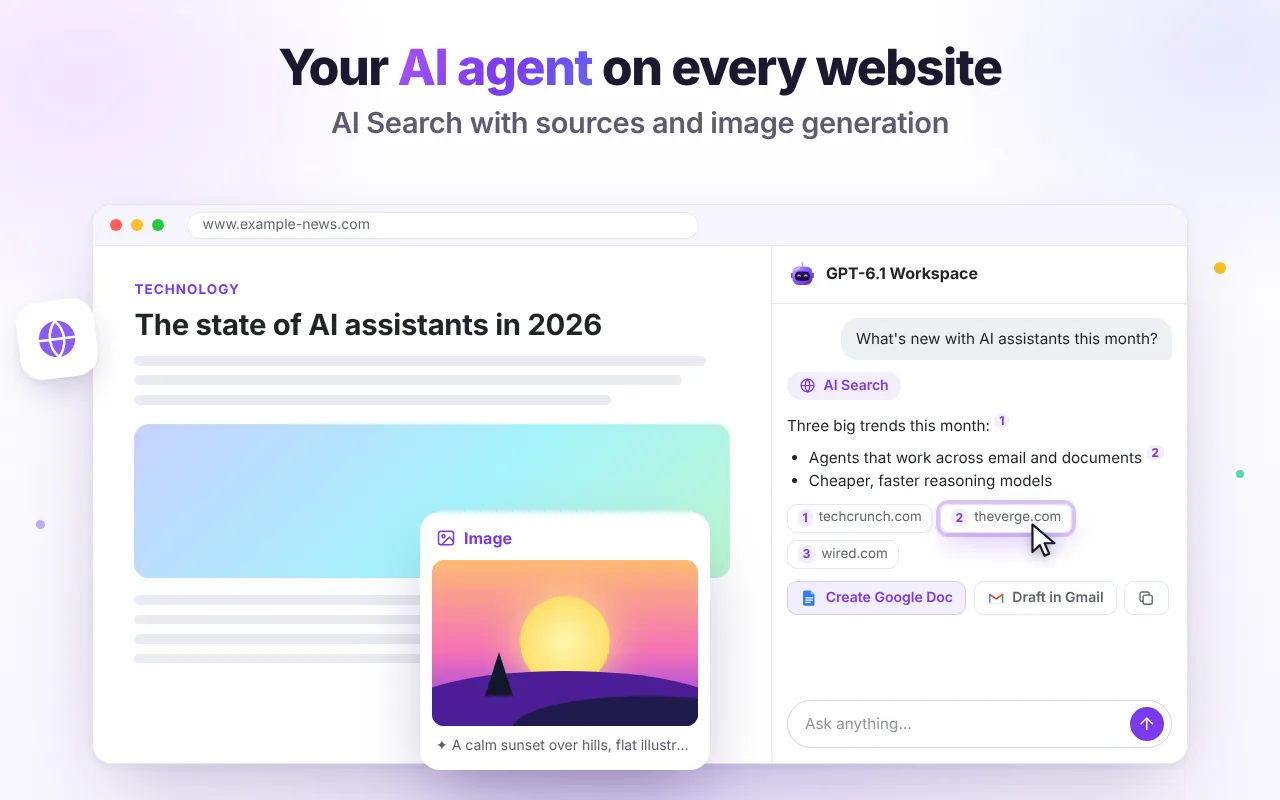
Click the globe to search the web. Answers include numbered sources so you can verify them.
Save the result
Turn any summary into a Google Doc or an email draft with one click, or copy it as formatted text.
GPT-6.1 Workspace is free and needs no account. Add it to Chrome and follow along.