A ChatGPT-style AI chat in every tab
Ask anything — explain, write, code, plan, translate — or ask about the page you're reading. GPT-6.1 Workspace sits in Chrome's side panel and opens full-screen when you need more room.
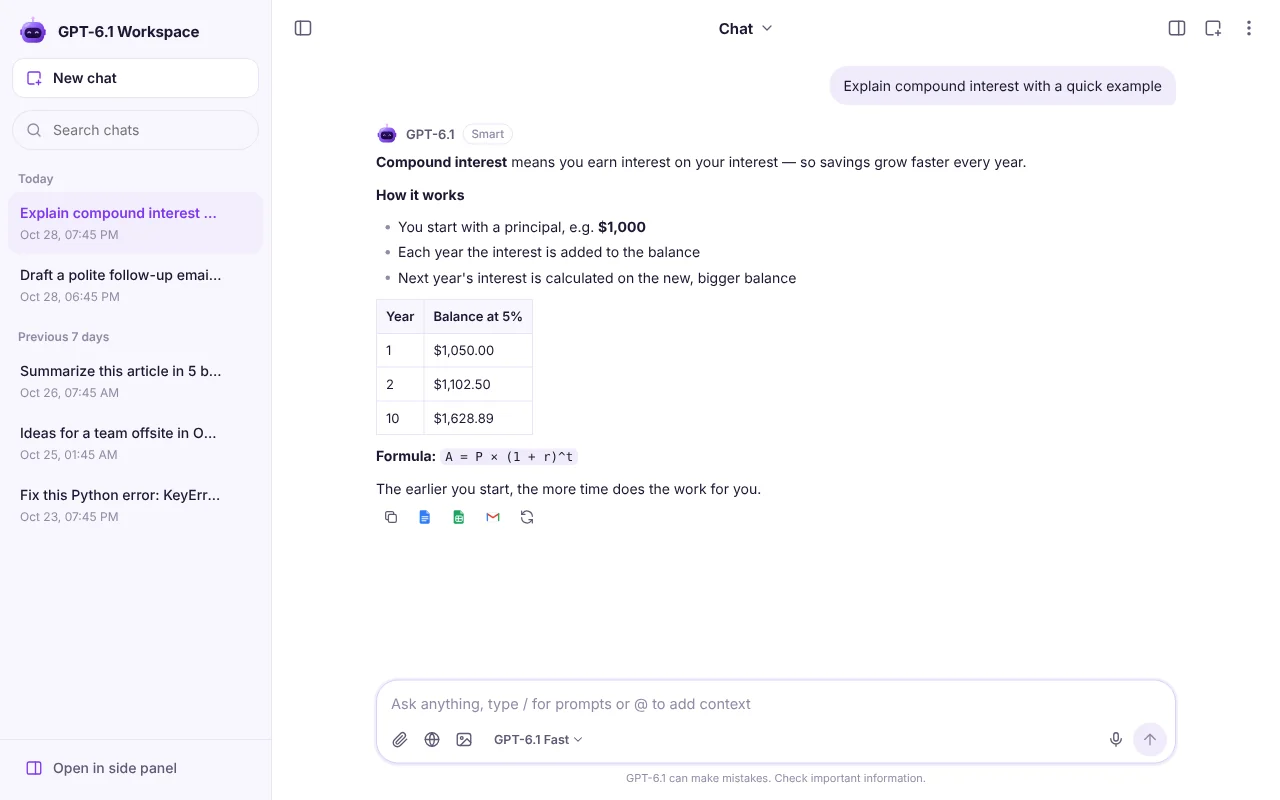
Your everyday AI assistant
Not only for Google apps. Use it like any modern AI chat: get explanations, write code, brainstorm ideas, draft posts and plan projects — with two models: GPT-6.1 Fast and GPT-6.1 Smart.
- Answers stream smoothly, word by word
- Copy, regenerate or turn answers into a Doc or an email
- History stays in your browser, searchable
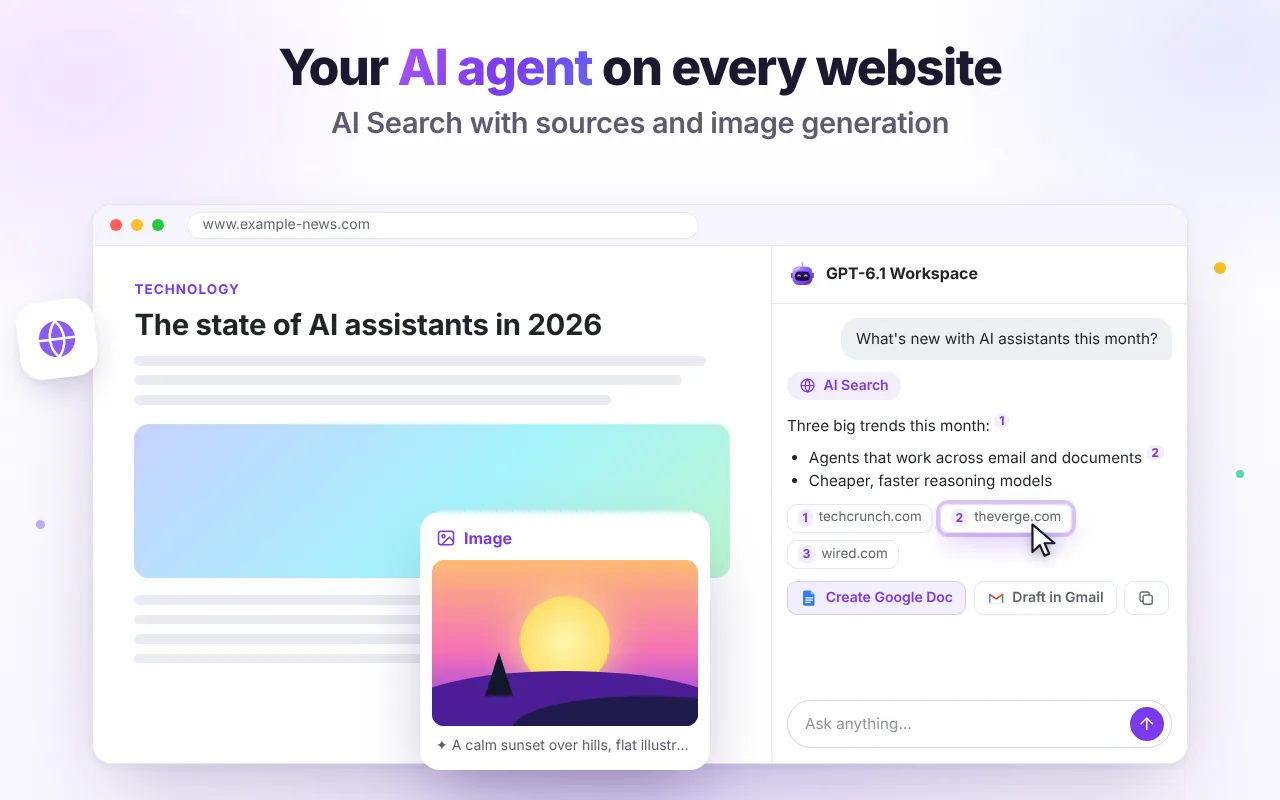
Ask about the page you're on
Summarize an article, explain a complex page in simple words, pull out key takeaways or translate it — with one click from the side panel or by right-clicking selected text.
- Works on any website you allow
- Right-click menu for selected text
- Reads pages only when you ask
Ready-made actions, zero prompting
Every action reads the current context, so you don't have to explain what you're looking at.
Summarize page
The key points in a few bullets.
What is this page about?
A quick overview.
Key takeaways
What matters most.
Explain simply
Plain words, no jargon.
Translate page
Keep the structure.
Help with code
Write, fix or explain code.
Everything you expect from a modern AI assistant
Full-screen mode
One click turns the side panel into a full-page chat with your history on the left. The panel closes automatically.
Files & PDFs
Attach images, PDFs and text files and ask questions about them.
Screenshot questions
Select any area of a page and ask what it means.
Voice input
Dictate questions with your browser's speech recognition.
Custom assistants
Save instructions as your own assistant — a tutor, an editor, a translator.
Prompt library
Type / for 15 ready prompts or @ to add the current page.
Good to know
Is it the same as ChatGPT?
No. It is an independent extension that uses GPT-6.1 models. It doesn't need an OpenAI account and it can read the page you're on. Full comparison.
Where is my chat history stored?
Only in your browser (chrome.storage.local). You can clear it or delete all data from the menu.
Which pages can it read?
Any normal website after you allow access for that site. Chrome's own pages and the Chrome Web Store are protected by the browser and can't be read.

Try it free in Chrome
Install once and the AI tools appear where you work. No sign-up, no Google login.