AI Search with sources, and image generation
Turn on AI Search for fresh answers from the web with clickable citations. Switch to image mode to create pictures for posts, slides and blogs.
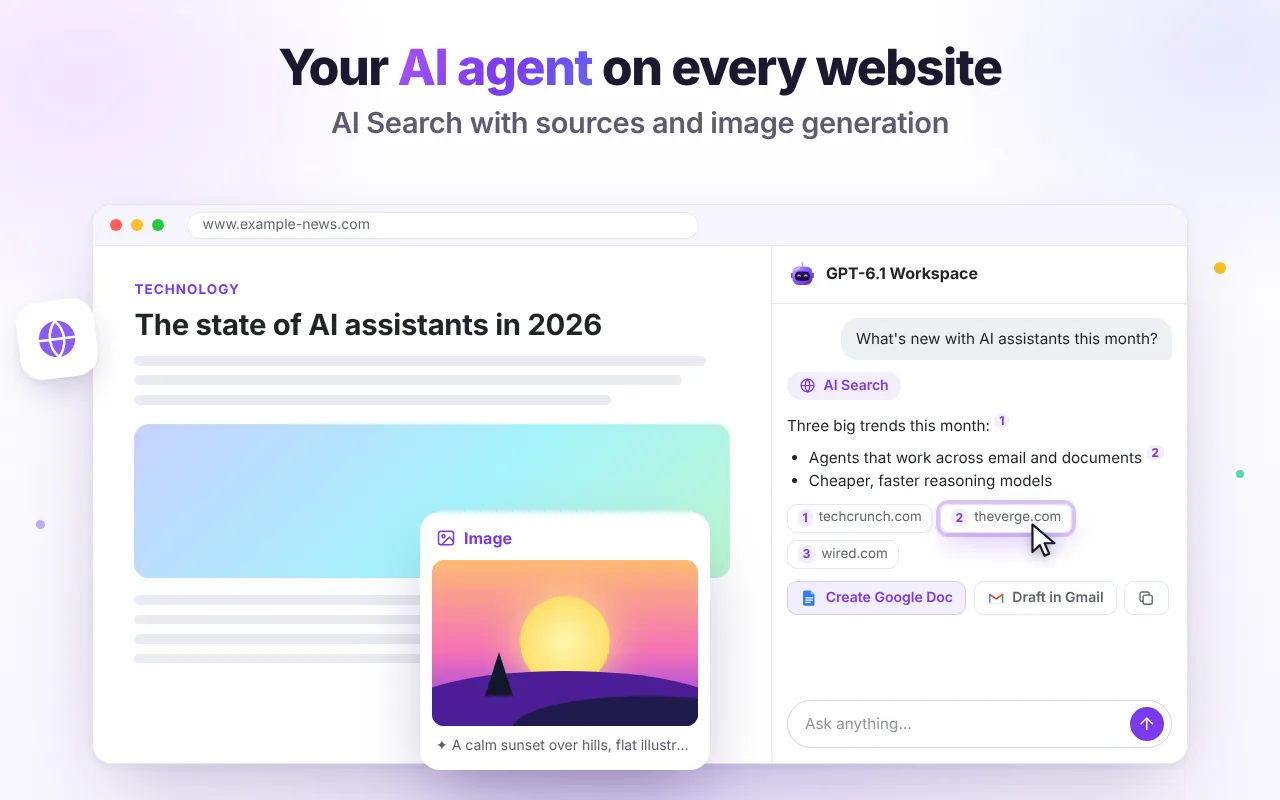
Answers you can check
AI Search looks up the web and shows the sources it used as numbered citations, so you can open and verify them.
- Great for news, prices, “what's new” questions
- Combine with the current page for context
- Turn results into a Doc or an email
Images in three formats
Describe what you want and pick 1:1, 16:9 or 9:16. Download the PNG, copy it, or regenerate. Attach an image to edit or restyle it.
- 10 images per day included for free
- Saved with your chat in your browser
- Great for blog headers and slides
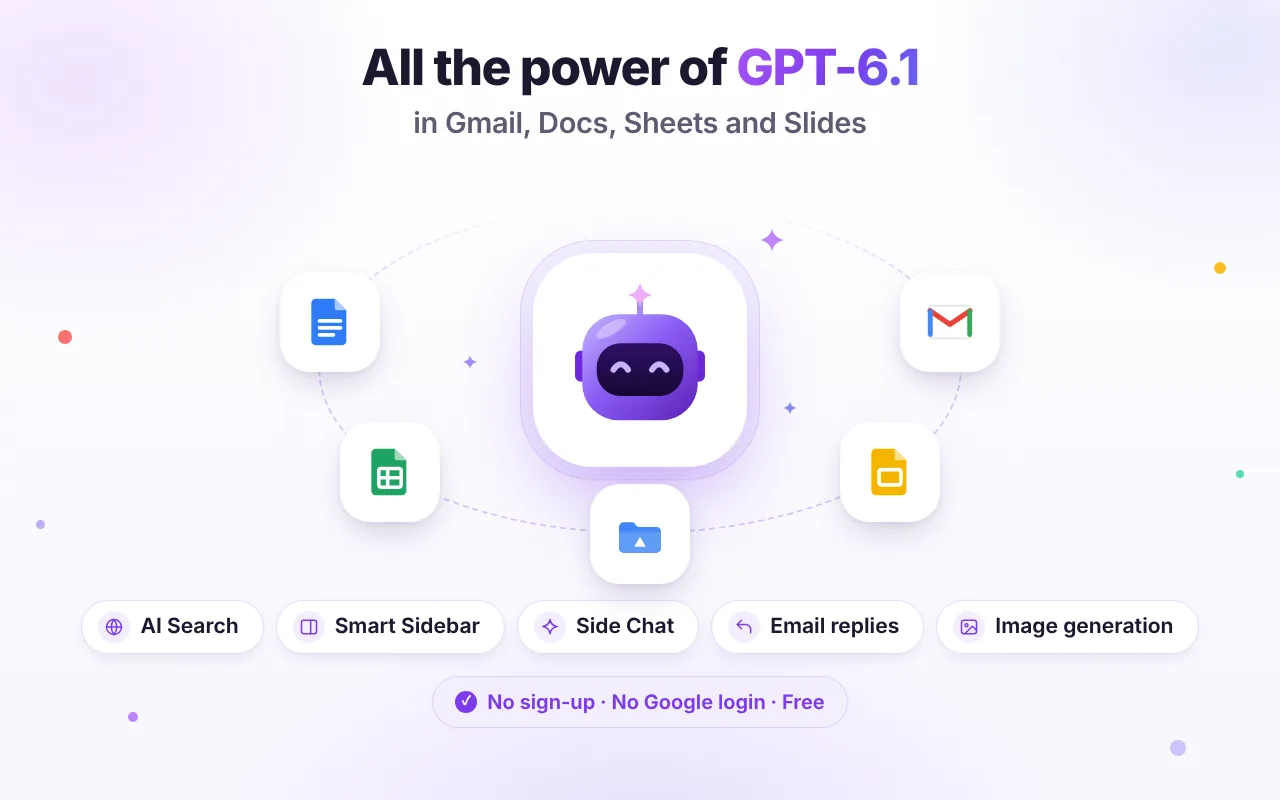
Ready-made actions, zero prompting
Every action reads the current context, so you don't have to explain what you're looking at.
AI Search
Web answers with citations.
Generate image
1:1, 16:9 or 9:16.
Download PNG
Save or copy the image.
Good to know
Which search engine is used?
Web results are fetched through our AI provider's web search plugin; the sources are listed under every answer.
Can I use generated images commercially?
Generated images are subject to the AI model provider's terms. In general you can use them, but you are responsible for checking that your use doesn't infringe others' rights. See our Terms.

Try it free in Chrome
Install once and the AI tools appear where you work. No sign-up, no Google login.