
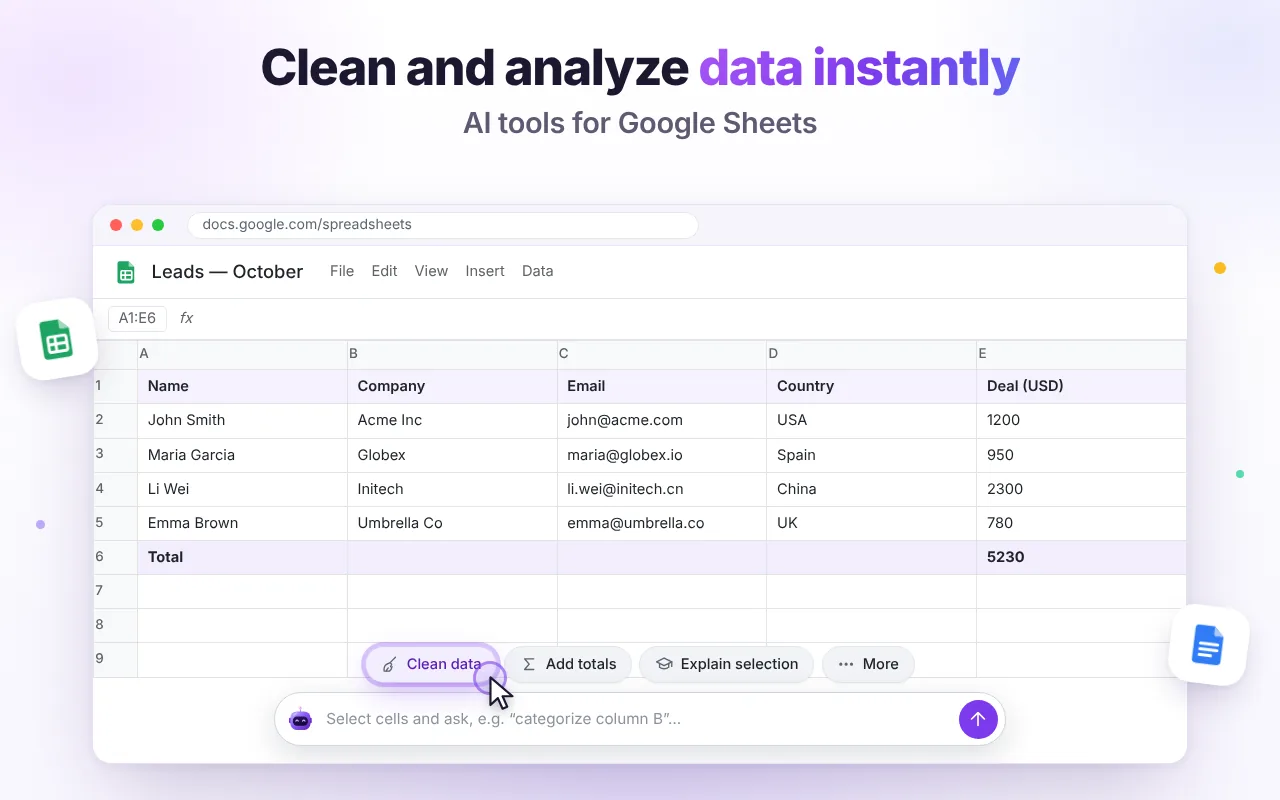
Clean messy data in one click
Select the range (headers included) and click Clean data in the AI bar at the bottom of the sheet. The AI trims spaces, fixes capitalization, normalizes dates, numbers, phone numbers and emails, and removes exact duplicates. You'll see the result first; click Insert to paste it at your selection.
Add totals and summaries
Add totals creates sums and counts for numeric columns. For a narrative summary, open the side panel and click Analyze this sheet: you get key numbers, trends, outliers and three insights.
Ask for formulas in plain language
Type what you need, e.g. “sum Deal (USD) where Country is Spain” or “extract the domain from the email in column C”. You'll get a formula and a short explanation of how it works.
Get chart recommendations
Ask for the three best charts for your data. The answer includes chart type, range and settings so you can build them with Insert → Chart.
Generate tables from scratch
Need sample data, a content calendar or a comparison table? Ask in the side panel, then click Insert into Sheet or create a brand-new Google Sheet from the answer.
Limits to keep in mind
- Very large sheets are trimmed to fit the model's context — select the range you care about.
- Always double-check numbers that matter before you share them.
GPT-6.1 Workspace is free and needs no account. Add it to Chrome and follow along.